
Building in Public: Three blog posts, four social posts and an article - Socials in early 2026 using AI as a co-writer and editor
Even with AI, doing content well is still hard.
Not because I can't get words onto a page. That part is increasingly solved. Picking the right angle, writing an intro that feels like me, turning the work into something readable and making it findable (SEO/GEO) I have a natural flow for. Distributing it across platforms that all have different rules and editors is still a challenge however.
Where AI saves me the most time is when I can ask Hubert (my LLM coder) to relate or document something we already worked on—features we shipped, decisions we made, or patterns we discovered—without me having to go back through hours of conversations, files and documentation to reconstruct the story. I still set the direction, outline the point of view, and write the framing. But Hubert can pull the thread, shape the narrative, and turn it into something I can edit quickly.
This post is a report on what I actually did yesterday, what worked, what didn't, and why this matters for Chronomation.
1) From building to publishing: what I tried to achieve yesterday
Yesterday's goal wasn't just "write a blog post."
It was:
- Ship a new blog post on The Builder Coil
- Cover it on LinkedIn with two different perspectives (a post + an article)
- Publish supporting posts on Instagram, Facebook, and X
- Track the friction—because the friction is the research
This is the shape of a devlog day in early 2026: you build, you write, you ship, and then you discover that distribution is its own system with its own constraints.
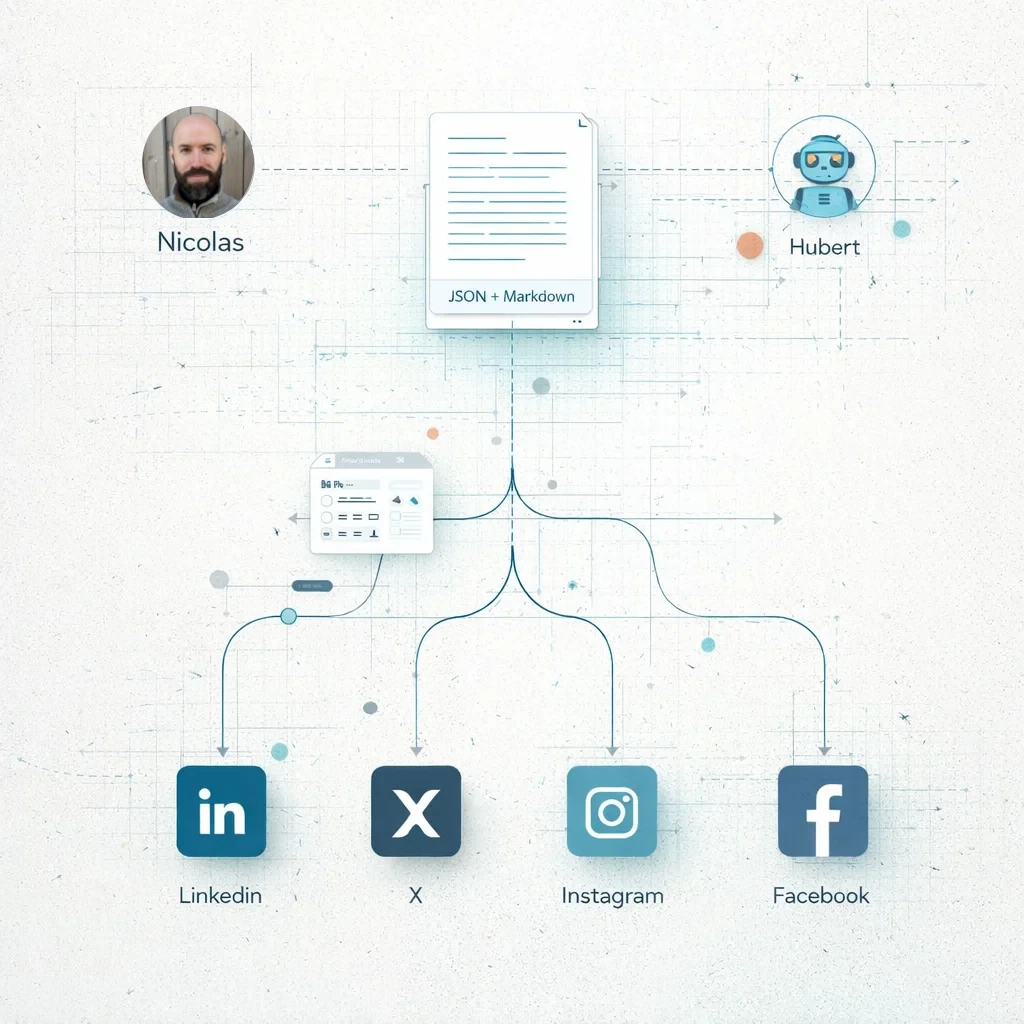
2) My content workflow (The Builder Coil) + the socials workflow (Hubert + me)
On The Builder Coil, I manage blog/news posts with a very intentional split:
- A JSON file for structured metadata
- A Markdown file for the actual content
That split makes it easier to keep the site consistent, predictable, and machine-friendly as the content library grows. It also means I can reuse the same structured data for multiple use cases.
I also have an endpoint that broadcasts the latest blog/news posts so my company site can consume them as a feed.
Once the post is done, I move into "socials coverage." That's where the collaboration with Hubert becomes a back-and-forth:
- I set the point of view
- I define the goal (awareness, positioning, traffic, or simply sharing what I learned)
- I choose the attitude (practical, humble, factual)
- I write the introduction and pick the sections that matter most
- Hubert writes a first draft with my introduction and select sections
- I edit, tighten, and adjust to match how I actually speak (an automation feature planned for Chronomation)
- I generate a suitable image (especially for LinkedIn articles)
- Then I publish
The most common problem I keep hitting isn't writing. It's formatting.
Different platforms have different constraints. Some are easy to post to. Some are hard. Some have APIs. Some don't (or they exist, but access is gated or expensive). And LinkedIn, in particular, often turns into a manual formatting session in an editor that feels oddly limited for a platform of its size.
At this point I'm fairly sure I'll end up writing Chronomation tooling to handle formatting for different platforms in a consistent, repeatable way.
3) Where three different AI models couldn't help
Yesterday's bottleneck was not idea generation.
It wasn't outlining. It wasn't "write 1,500 words about X." It wasn't even turning a technical change into a readable explanation.
The bottleneck was the last mile: taking good content and getting it to look correct inside each platform's editor—especially LinkedIn.
I tried to solve this with three different AI models. All were useful for writing and editing. None could fully solve:
- LinkedIn's quirks around "code mode" vs. normal mode
- The way pasted content loses structure
- The manual cleanup required to make spacing, headings, and code blocks readable
The best workaround yesterday was a hybrid approach: a mix of tooling (including a VS Code extension) that converts markdown to rich text and Google Docs to preserve rich text, followed by manual cleanup inside LinkedIn's editor.
That's the reality right now: AI can accelerate the creation, but formatting is still a mostly manual craft—especially on platforms that don't support the inputs we already write in.
4) Platforms, APIs, and what's realistic to automate in early 2026
Publishing "everywhere" sounds like one action, but it's a collection of different systems.
Some platforms can be automated, but requirements vary:
- Account types and permissions
- App review processes
- Paid access tiers (for some platforms)
- Third-party tooling costs if I don't build everything myself
Here's the practical picture I'm working with in early 2026:
- LinkedIn: publishing workflows are still largely manual for personal content and articles; formatting is a frequent pain point.
- Instagram: API publishing is possible via the Instagram Graph API for Business/Creator accounts (inside Meta's permissions model).
- Facebook: Page publishing is possible via the Graph API (again, tokens/permissions).
- X: API posting exists, but access has been increasingly gated/paid/tiered in recent years. X also frequently bans accounts without reason, which is a real pain point.
This is exactly the kind of environment where good tooling matters. Because even if "posting" is technically possible, the actual work is in formatting, adaptation, and making the output feel native on each platform.
5) What I learned (and why this is Chronomation research)
By the end of the day, the output looks straightforward: three blog posts, four social posts, and an article.
But the system behind it is where the learning lives.
What I'm seeing more clearly every week:
- AI is a strong co-writer and editor when I give it POV, constraints, and my own intro to anchor the voice.
- Distribution is not a single problem. It's a set of platform-specific constraints.
- Formatting is still the most stubborn source of friction—especially for LinkedIn.
- The "last mile" takes time not because it's complex, but because it's inconsistent.
And that's why I'm paying attention to the messy parts. The friction points are the research.
Chronomation, for me, is about building tools that respect real workflows: structured content, predictable pipelines, and output that actually fits the platforms we're forced to publish on.
Closing thoughts
Working with AI today isn't about replacement. It's about partnership.
The models help me move faster from "I should write about this" to "I have a draft that captures what we did." I still have to decide what matters, what the angle is, what the reader should walk away with, and what's worth automating vs. what I should do manually.
But every time I hit a formatting problem or a platform constraint, I get a clearer signal: this is where better tools belong.
If nothing else, yesterday was a reminder that shipping content in 2026 isn't only about writing. It's about systems.
And I'm building those systems in public.
Related Posts

The Client Quest: Facebook Posts, Cloudflare Redirects, and a Bash Script That Learned From Its Mistakes
A freelance client engagement told as an RPG quest — from planning in the tavern, to grabbing tools from the merchant, to a multi-day adventure of content, automation, and debugging. Plus: how this becomes a Chronomation workflow.
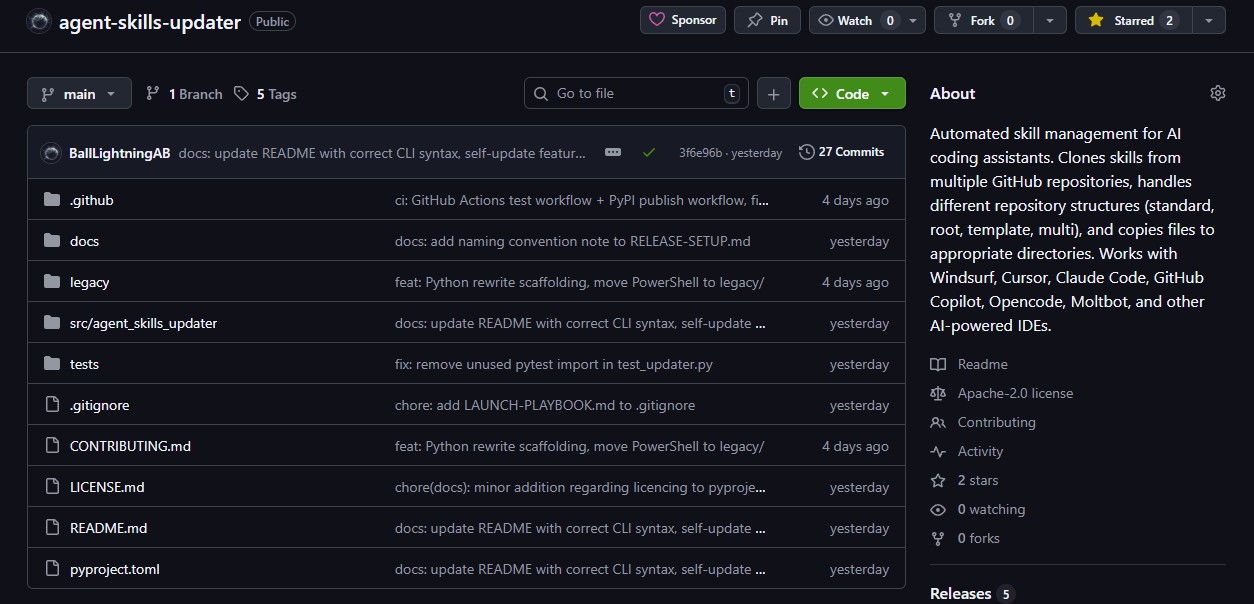
From PowerShell Script to PyPI: Building My First Open-Source Tool
How a PowerShell script for managing AI skills became a Python CLI on PyPI in two days — my first open-source release from Ball Lightning AB.
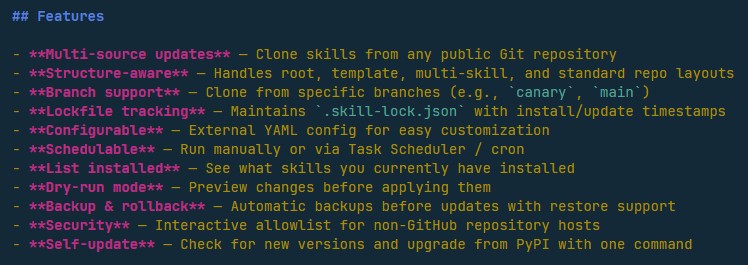
Designing Agent Skills Updater: Why Skill Management Matters for Small Teams
Why AI skill management matters for indie makers and small teams — the design thinking behind Agent Skills Updater and its place in Chronomation.