
Shipping Faster, Loading Faster: How I Expanded the Portfolio and Improved Mobile Performance
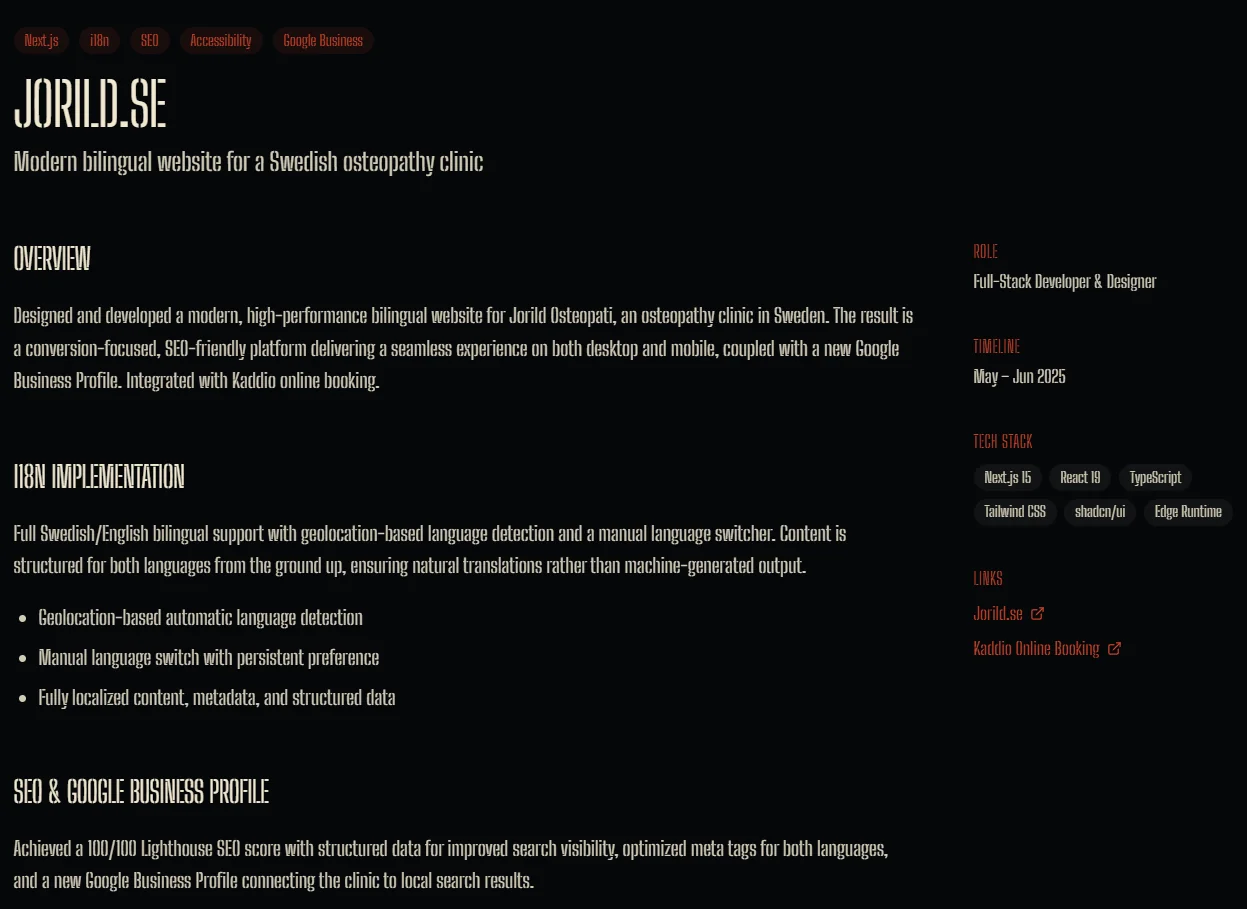
Six New Stories: Why I Expanded the Portfolio Beyond Just Screenshots
Yesterday I launched six detailed portfolio case studies that tell the full story behind each project. Here's why I moved beyond simple screenshots and what this means for anyone looking to work together.
The problem with "just screenshots"
For months, my portfolio was essentially a gallery. Nice images, short descriptions, but not much depth. If you were considering hiring me, you'd see what I built but not how I thought about it or why certain decisions mattered.
The feedback was consistent: "Great work, but I want to understand your process."
What I built instead
Portfolio pages that tell stories
Each project now has its own dedicated page with:
- The challenge: What problem needed solving?
- The approach: How I tackled it and why
- The results: What actually happened after launch
- Technical highlights: Key decisions that made the difference
Six case studies are now live: Blightfell (a game dev platform), Jorild.se (personal portfolio), Skyscraper (performance-focused site), Chronomation (automation platform), The Builder Coil (this very site), and Shipping API Dojo (API documentation platform).
A better reading experience
I created a consistent layout that makes it easy to scan:
- Hero section that immediately tells you what the project is about
- Sidebar navigation so you can jump to what matters most
- Image galleries that show the work in action, not just final screenshots
- Related projects so you can see how different work connects
Making it mobile-friendly
More people browse on phones than desktops, so I made sure:
- Text is readable without pinching and zooming
- Images load quickly and look sharp on all screens
- Navigation works smoothly with touch gestures
- Pages feel fast and responsive
Why this matters for potential clients
When you're evaluating someone for your project, you want to understand their thinking. These new portfolio pages show:
- Problem-solving approach: How do I break down complex challenges?
- Technical judgment: What trade-offs do I consider and why?
- Real-world impact: What happened after the work was delivered?
The results so far
- Richer storytelling: Each project now has context, not just pretty pictures
- Better mobile experience: Pages load quickly and are easy to navigate on any device
- Clearer value proposition: You can see exactly how I approach different types of challenges
What's coming next
- Replace some placeholder images with final project screenshots
- Add more case studies as new projects launch
- Continue refining the storytelling based on what visitors find most helpful
See for yourself
- Portfolio overview:
/portfolio - Individual case studies: Click "View Case Study" on any project
Built with care for anyone who wants to understand not just what I build, but how I think about building it.
Related Posts
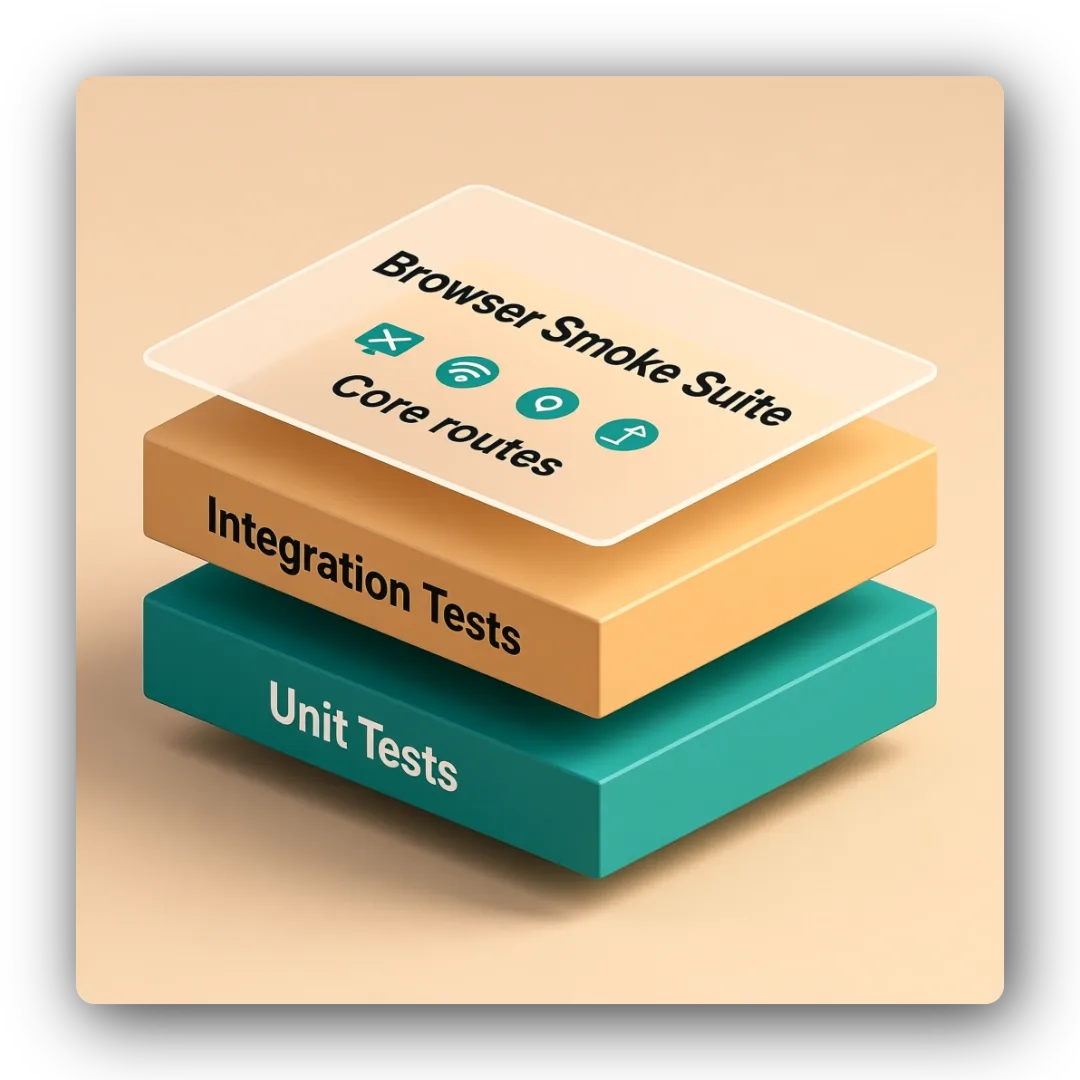
Browser Smoke Suite: Cost-Efficient Route Validation for Shipping API Dojo v2
Issue #17 added a minimal Playwright smoke suite to complement unit/integration coverage. I built a cost-efficient browser test layer for checkpoint validation and future mirror sites.
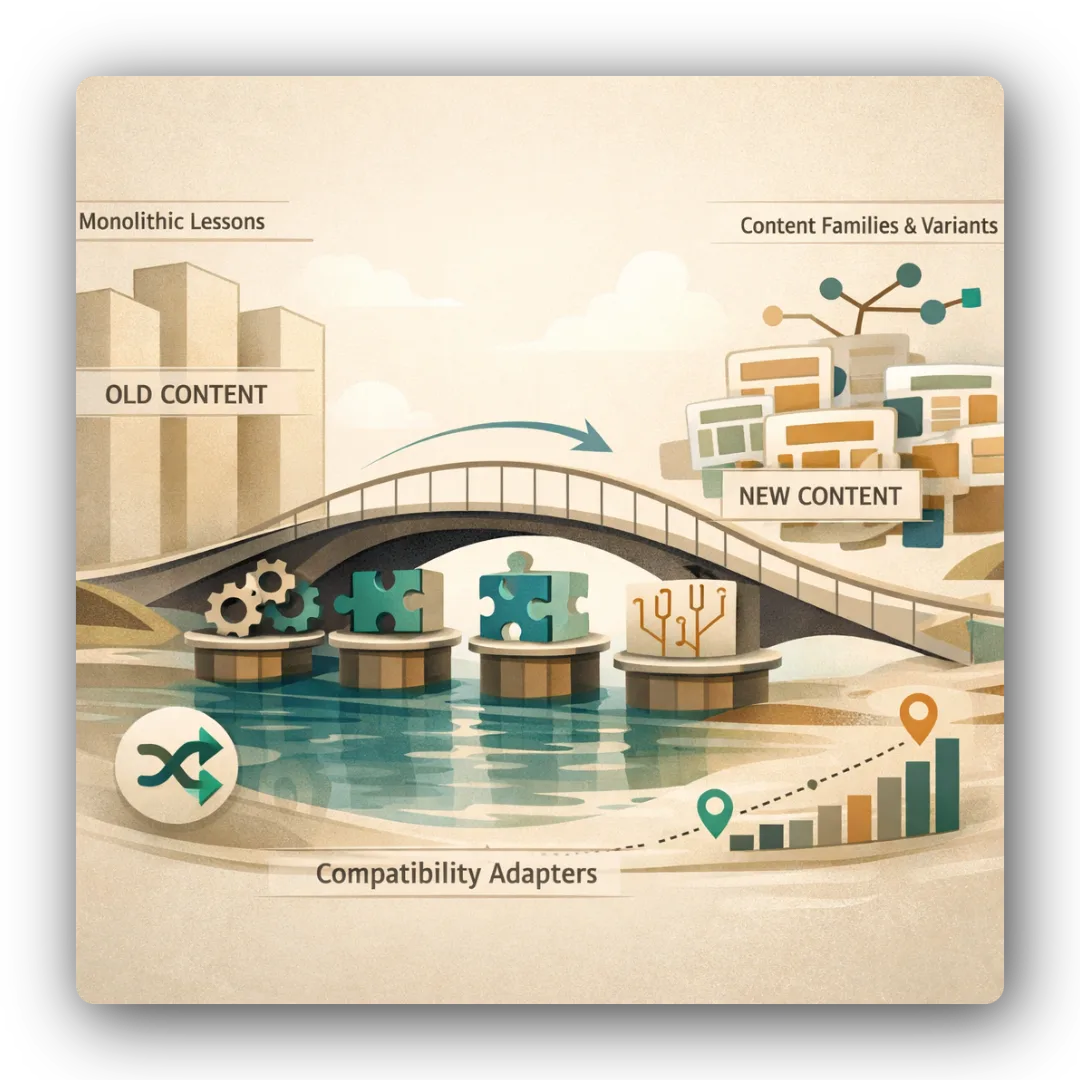
Proof of Concept: Validating Seeded Randomization and Content Families in Shipping API Dojo v2
Issue #8 implemented a proof of concept for minimum viable randomization and content families. I validated MCQ shuffling, lesson drill ordering, scenario sequencing, and SSR-safe behavior under TanStack Start.
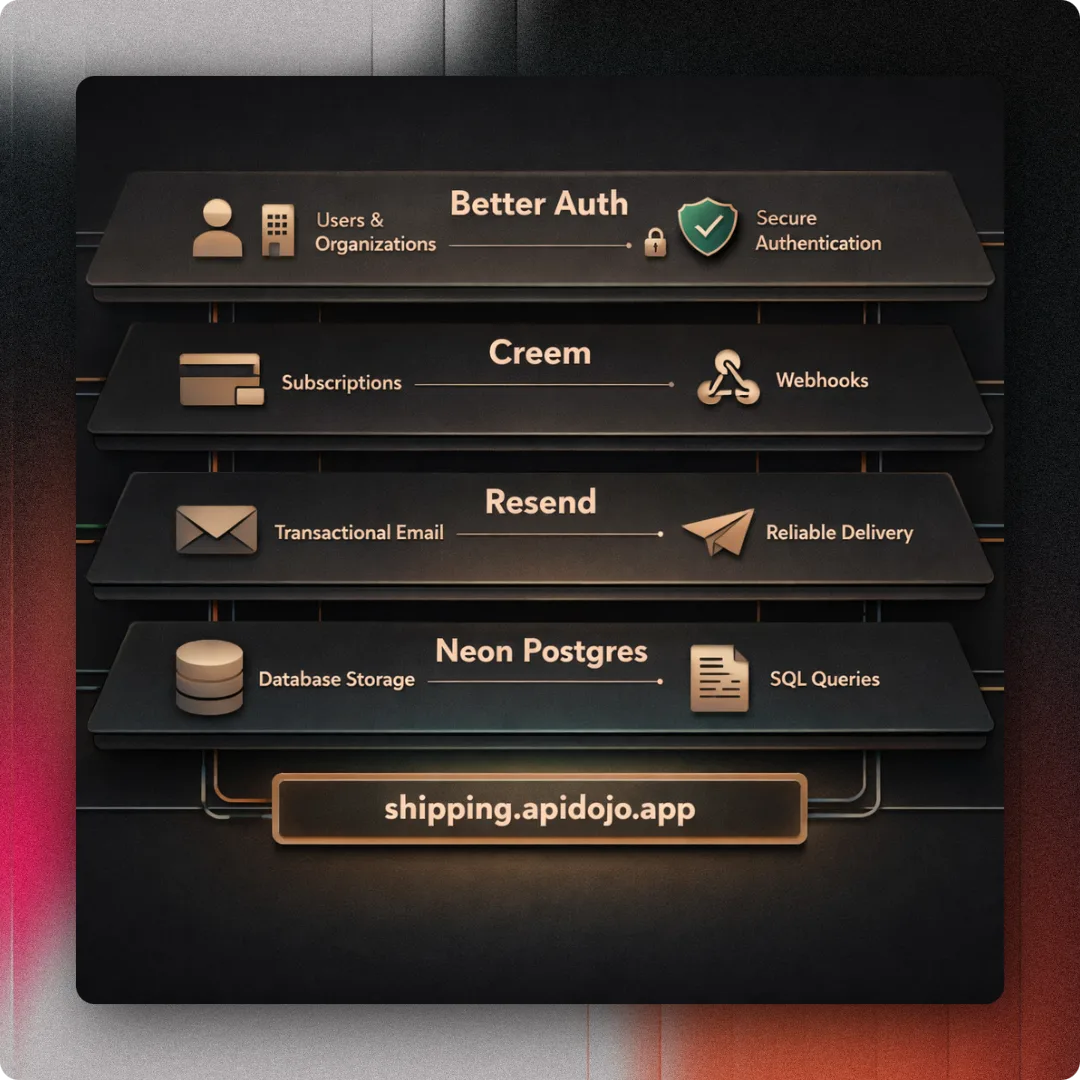
Auth Foundation: Building Better Auth, Creem Billing, and Email Infrastructure for Shipping API Dojo v2
Issue #11 completed the auth, entitlements, billing, email, and domain foundation for Shipping API Dojo v2. Better Auth, Creem, Resend, and the shipping.apidojo.app domain came together.