
Building with TanStack Start: First Impressions
When I started building The Builder Coil, I had a choice to make: Next.js, Remix, Astro, or something newer. I chose TanStack Start – and here's why.
Why TanStack Start?
Type-Safe Routing
TanStack Router provides fully type-safe routing out of the box. Every link, every parameter, every loader – all typed. No more runtime errors from typos in route paths.
// This won't compile if the route doesn't exist<Link to="/blog/$slug" params={{ slug: post.slug }}> {post.title}</Link>File-Based with Flexibility
Like Next.js, TanStack Start uses file-based routing. It also gives you the flexibility to define routes programmatically when needed.
Server Functions
Server functions in TanStack Start feel natural. They're just async functions that run on the server, with full access to Node.js APIs. The biggest thing though is that Tanstack Start is Isoporphic be design, so all functions are available on the client and server, unless specified otherwise.
export const serverFn = createServerFn() .validator(z.object({ email: z.string().email() })) .handler(async ({ data }) => { // This runs on the server await sendEmail(data.email); return { success: true }; });The Learning Curve
Honestly, the documentation is still catching up with the features. I spent time reading source code and examples. But the Discord community is helpful, and the patterns make sense once you understand them. There is also a lot of content on Tanstack Start as it's very popular with a lot of opensource support. While LLMs are inherently worse with all frameworks than Next.js since that's historically so popular and thus have the most training data, with MCPs like Context7 your LLM can keep up-to-date with the latest documentation and best practices.
What's Next
I'll be sharing more about my TanStack Start setup in future posts, including:
- SEO and meta tag management
- Server-side data loading patterns
- Integration with shadcn/ui components
For a deeper dive into the backend side of Chronomation, see Chronomation: Key Architecture Decisions.
Stay tuned! 🚀
Related Posts

Level Up Your TypeScript: Consistent Code Quality with Biome and Agentic Coding
My routine for maintaining code quality with AI assistance: using Biome and Ultracite to ensure consistent TypeScript patterns in my agentic development workflow.

The Memory Bank: Theory, Practice, and Agentic Pair Programming
A practical spec system for working with AI coding agents: why I built a memory-bank, how it works day-to-day, and why The Builder Coil version is the template moving forward.
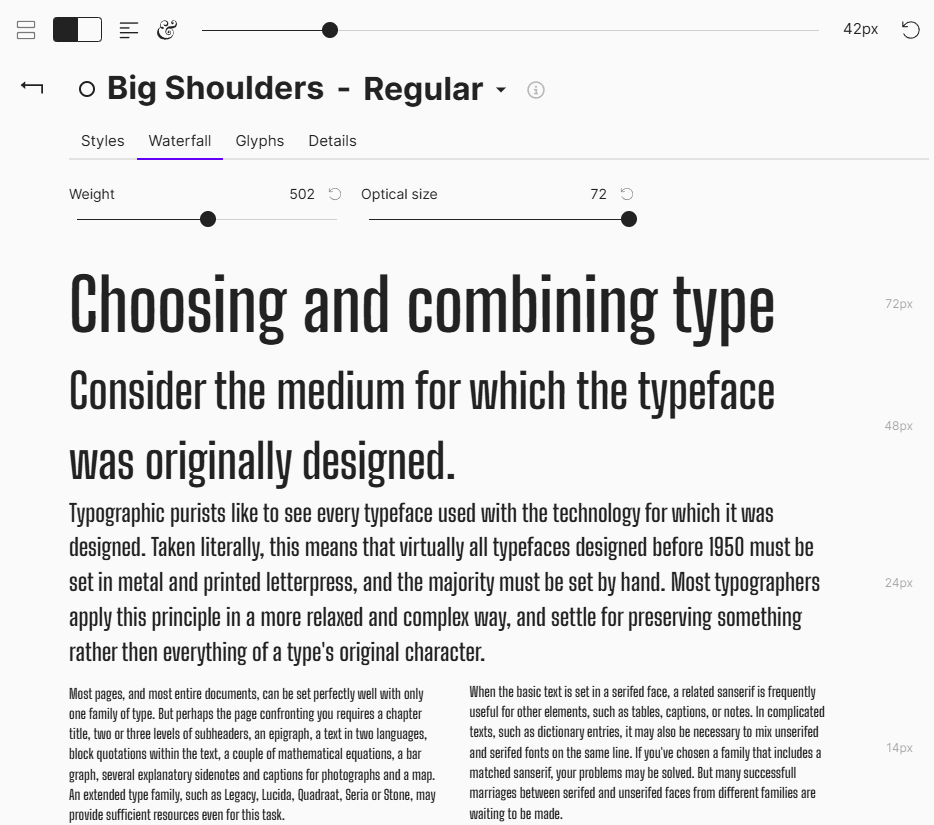
Building a Shared Typography and Layout System for Three Brands
How I’m designing a shared typography and layout system that unifies The Builder Coil, Chronomation and Ball Lightning—starting from body text, a modular scale, and consistent vertical rhythm.