
Connecting the Dots: How I Built the Technologies Page and Tightened Performance
Connecting the Dots: How I Made My Tech Stack Easy to Explore
I wanted visitors to see exactly what I build with, how it connects to real projects, and understand the technical side without getting lost in jargon. Here's how I created a Technologies page that bridges the gap between services and portfolio work.
The missing piece in the story
My Services page described what I do ("React Development," "Performance Optimization"), and my Portfolio showed what I've built. But there was a gap: how do these services connect to the actual technologies I use?
Visitors had to guess: "When he says 'React Development,' does that mean he uses React? What about TypeScript? What tools does he actually work with?"
What I built
A clear technology map
I created a comprehensive Technologies page that shows:
- 25 technologies I work with across frontend, backend, deployment, tools, and game development
- Real project examples - each technology links directly to portfolio projects where I used it
- Organized by category so you can quickly find what matters to your project
- Clean navigation with anchor links to jump between sections
Better connections between pages
Now the story flows naturally:
- Services → "I offer React Development"
- Technologies → "Here's React, and here are 3 projects where I used it"
- Portfolio → "Here's the full story of those React projects"
Every service competence badge now links directly to the relevant technology section. The header and footer include Technologies, so you can find it from anywhere.
Making it fast and friendly
I applied the same mobile-first approach from the portfolio work:
- Pages load quickly on phones and tablets
- Text is easy to read without zooming
- Navigation works smoothly with touch
- Images and content are optimized for all screen sizes
Why this matters for my clients
If you're evaluating me for a project, you can now:
- See exactly what I work with - no guessing games
- Understand my experience level - each technology shows real project examples
- Make informed decisions - you can see if my tech stack matches your needs
- Explore naturally - follow the path from service → technology → real work
The results so far
- Clearer technical story - visitors can understand my capabilities without digging through technical details
- Better user journey - the services → technologies → portfolio flow makes sense
- Mobile-friendly experience - everything works smoothly on phones and tablets
- SEO benefits - search engines can better understand what I offer and how it connects
What's next
- Add more technologies as I work with new tools
- Connect more portfolio projects to relevant technologies
- Continue refining the organization based on what visitors find most helpful
Explore the connections
- Technologies page:
/technologies- see the full tech stack - Services:
/services- understand what I offer - Portfolio:
/portfolio- see the work in action
Built for clarity: so you can understand not just what I do, but how I do it.
Related Posts

Browser Smoke Suite: Cost-Efficient Route Validation for Shipping API Dojo v2
Issue #17 added a minimal Playwright smoke suite to complement unit/integration coverage. I built a cost-efficient browser test layer for checkpoint validation and future mirror sites.
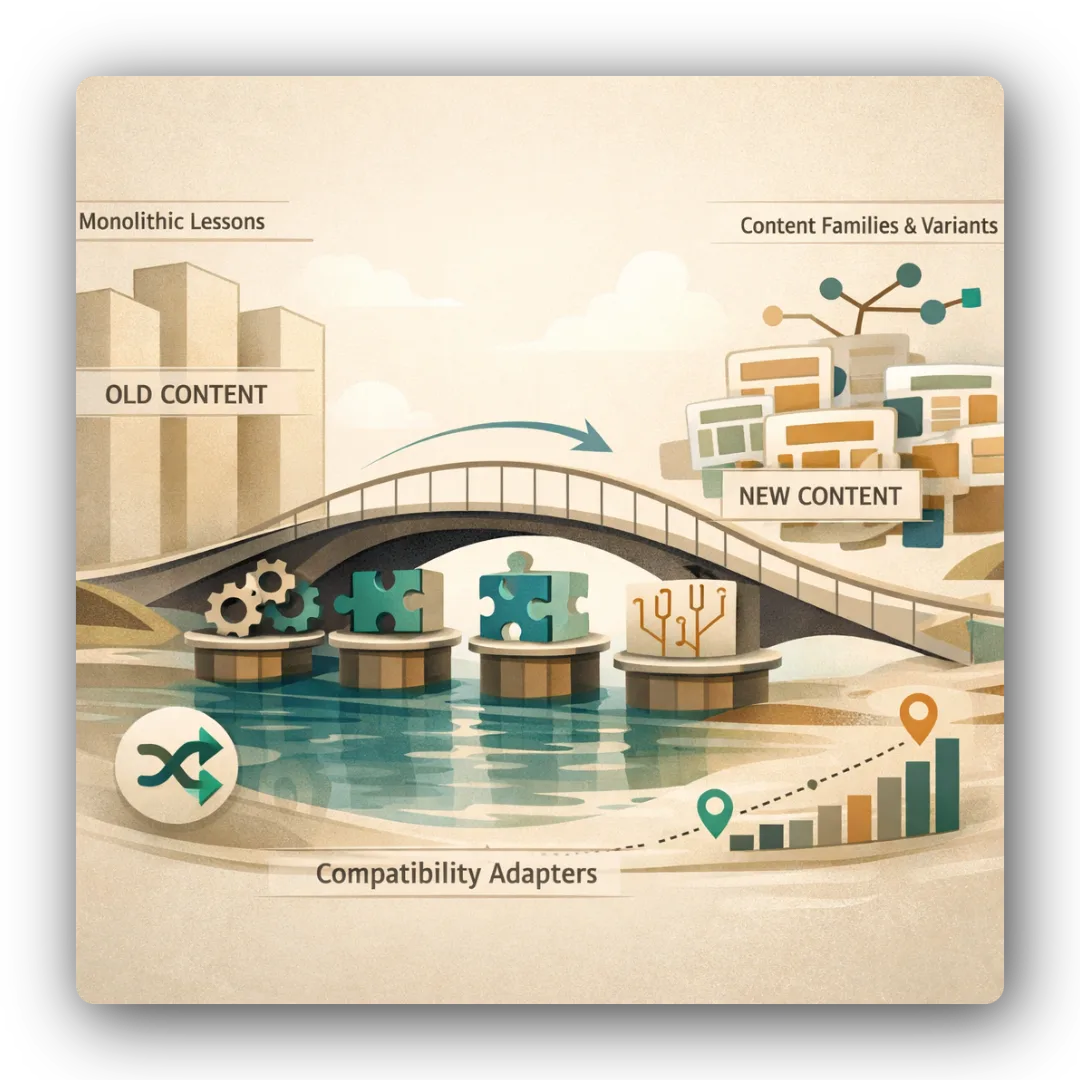
Proof of Concept: Validating Seeded Randomization and Content Families in Shipping API Dojo v2
Issue #8 implemented a proof of concept for minimum viable randomization and content families. I validated MCQ shuffling, lesson drill ordering, scenario sequencing, and SSR-safe behavior under TanStack Start.
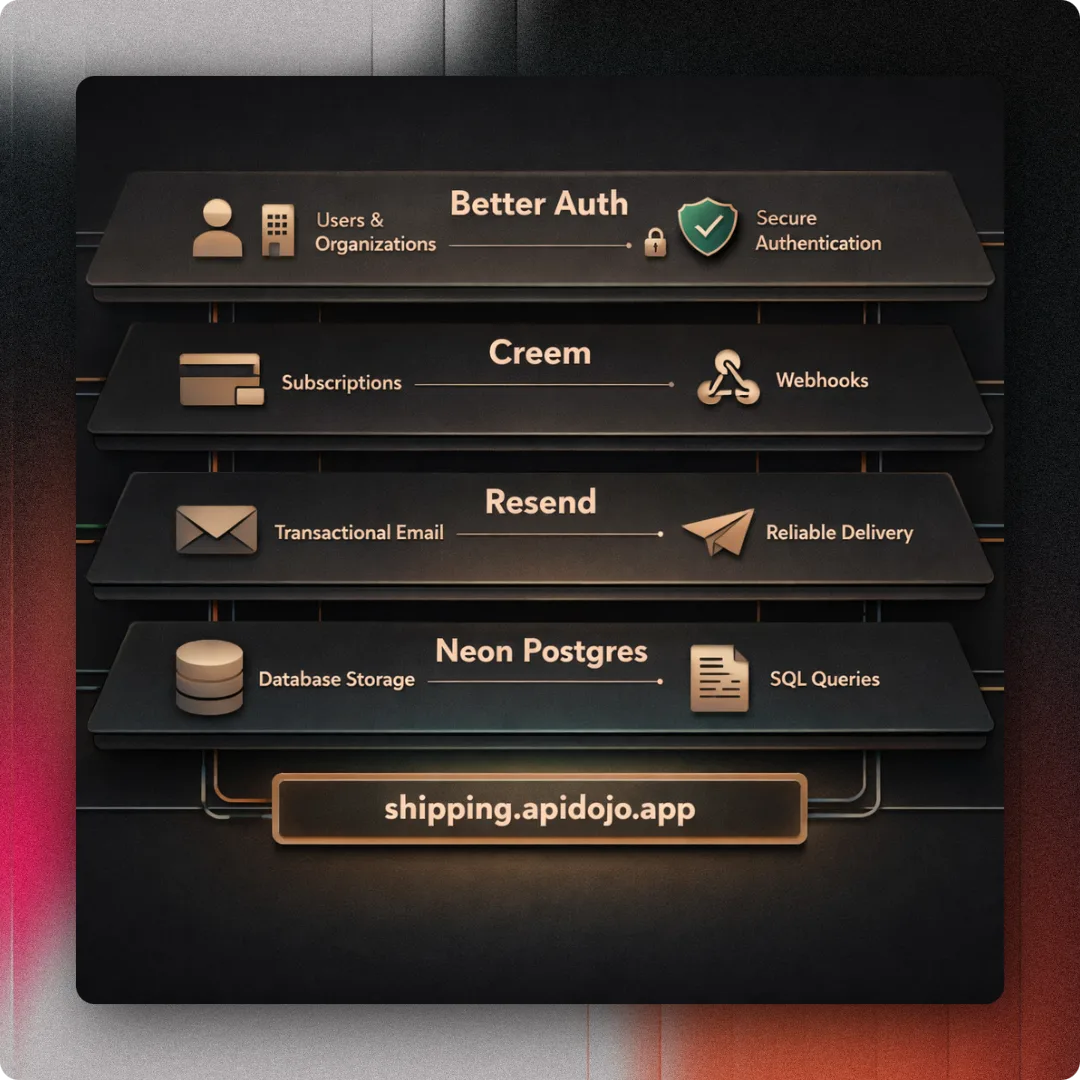
Auth Foundation: Building Better Auth, Creem Billing, and Email Infrastructure for Shipping API Dojo v2
Issue #11 completed the auth, entitlements, billing, email, and domain foundation for Shipping API Dojo v2. Better Auth, Creem, Resend, and the shipping.apidojo.app domain came together.