
The Client Quest: Facebook Posts, Cloudflare Redirects, and a Bash Script That Learned From Its Mistakes
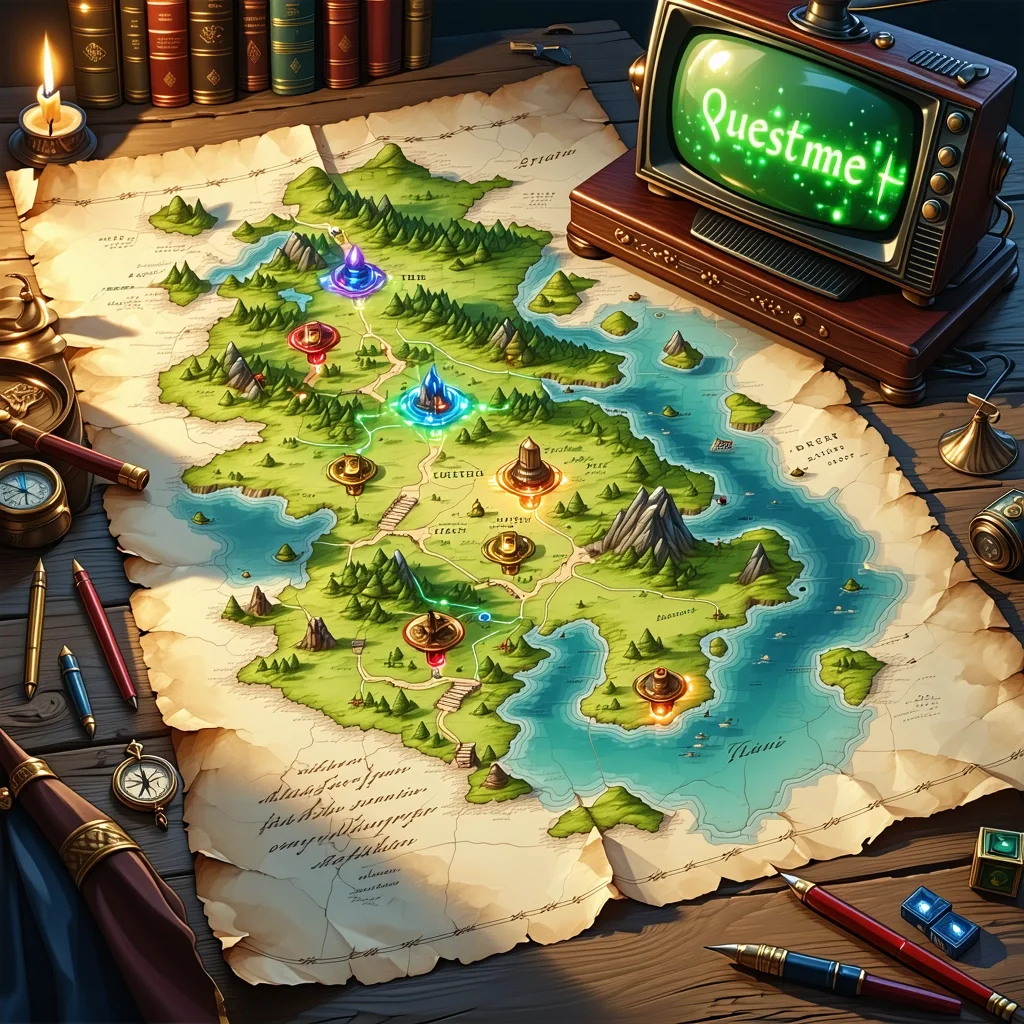
Every good quest starts the same way: someone needs something done, and you're the one with the skills to do it.
This one came in the form of a client engagement that needed a proper social media presence for the year ahead. No name on the door here. Just: a client, a problem, and a two-day adventure that turned into a surprisingly instructive piece of systems thinking.
Let me tell it the way it actually felt.
The Campfire: Pondering the Quest
Before any adventurer sets out, there's time by the campfire. Just a fire, a notebook, a terminal, and a few questions worth sitting with.
The brief was clear enough on the surface: plan and write 20 weeks of Facebook posts for the customer, following provided constraints. Posts should feel friendly and professional, with a certain tone. Add UTM-tracked links so we can actually measure whether any of this works.
Simple, right?
The pondering part is where the real planning happens. Not just what to write, but how the whole system should work:
- How do we structure the content so it's easy to maintain?
- How do we handle the shortlinks — and what happens when the free tier of our redirect service has a 20-redirect limit?
- How do we get stock photos without violating API rate limits or attribution requirements?
- What does "done" actually look like for this engagement?
Think long-term from the outset, i.e. whether/how to implemenent this to Chronomation for other clients.
The Merchant: Grabbing the Right Tools
Every quest needs gear. Mine came from a few familiar shops:
- Unsplash API — for stock photos, with proper attribution baked in
- Cloudflare Bulk Redirects — for the UTM shortlinks (
go.[client].se/l/2026w8-thu-fb→ full UTM URL) - Git Bash — because I was going to automate the photo downloads, and bash is the right tool for that kind of work
- Cascade (Hubert) — my AI co-pilot for content strategy, copywriting, and the automation itself
The content strategy part was the first stop. I used the social-content, copywriting, and marketing-psychology skills to build a 20-week plan with real content pillars. Each week got a theme. Each post got a tone check.
Then came the redirects. 40 posts × 1-2 links each (some also for LinkedIn) = 43 redirects. Except the free Cloudflare plan caps at 20. So the first real puzzle of the quest was: how do you manage a rotating set of 20 active redirects across a 20-week campaign?
The answer: you document the rotation strategy, you keep a master CSV, and you accept that some manual Cloudflare dashboard work is part of the deal — for now.
The Adventure: Part Manual, Part Automation, Part Debugging
This is where the quest gets interesting.
Act I: The Content
Writing 40 Facebook posts in Swedish, in first person, with the right tone, is not a five-minute job. But with a solid content plan and the right skills invoked, it becomes a structured drafting session rather than a blank-page panic.
The posts went into a single markdown file, organized by week. Each post got:
- The copy (Swedish, first-person, friendly-professional)
- A UTM-tracked shortlink
- Hashtags
- A photo filename reference (to be populated)
- An attribution line (to be populated by the script)
40 posts. 20 Thursday promotions. 20 optional Monday posts. All structured, all ready to schedule.
Act II: The Bash Script
Here's where the automation adventure really began.
The plan: write a bash script that queries the Unsplash API for each week's theme, downloads the best result, tracks the download (as required by Unsplash's API terms), and patches the markdown file with the photographer attribution.
Simple in theory. Less simple in practice.
Lesson 1: Short queries work better than long ones.
"spring outdoor" returns results. "spring outdoor park activity recovery wellness" often returns nothing. The API is not a search engine for sentences.
Lesson 2: Always append to the attributions file, never overwrite.
Early versions of the script used > instead of >>. One re-run wiped the entire attributions log. Fixed with a simple existence check before initializing the file.
Lesson 3: Download to a temp file first, then verify. A few API responses came back as valid JSON but with a photo URL that returned a tiny error image. Checking file size before moving to the final location saved several corrupted photo slots.
Lesson 4: SHA256 hash checking prevents duplicate content. When you're running multiple queries across 40 weeks, Unsplash occasionally returns the same photo for different queries. Hash checking against both the main directory and the alternatives directory catches this before it becomes a problem.
Lesson 5: The 50 requests/hour demo limit is real. Thursday photos first. Wait an hour. Monday photos second. This is not a bug — it's a constraint you plan around.
By the end, the script had --thursday-only, --monday-only, and --force flags, skip-if-exists logic, fallback queries, rate-limit detection, and automatic markdown patching. It started as a one-off download helper and ended up as a reusable tool.
Act III: The Cloudflare Redirect Debugging
The redirects were added to the Cloudflare Bulk Redirect list. The rule was enabled. The test curl returned a 404.
Ten minutes of head-scratching later, the root cause: the CSV source URLs were missing the https:// prefix. The Cloudflare rule uses http.request.full_uri, which matches the full URL including scheme. Without https://, the rule never fired.
# Before (broken):go.[client].se/l/2026w8-mon-fb# After (working):https://go.[client].se/l/2026w8-mon-fbOne character difference. One curl -I test to confirm. One lesson added to the redirect README.
The Quest-Giver Update: Closing the Loop
Every quest has a debrief. Mine takes the form of a GitHub issue.
Once the work was committed and pushed, I filed a proper issue summarizing what was done: the 40 posts, the 43 redirects, the Unsplash script with its flags and fallback logic, the pre-commit secrets scan setup, and the next steps (import to Cloudflare, schedule posts, monitor GA4).
This is the part that most freelancers skip. The work is done, so why document it?
Because documentation is how you hand off cleanly. It's how you pick up where you left off six months from now. And in this case, it's how you turn a one-off client engagement into a repeatable system.
Back in the Tavern: Notes for Next Time
The quest is done. The posts are written, the photos are downloaded, the redirects are live, and the script is committed. Time to sit back down and think about what to do differently next time.
Here's what I'd improve:
On content planning: The 20-week structure worked well. The content pillar split (ergonomics, recovery, seasonal, conditions, lifestyle) gave enough variety without feeling random. I'd keep this framework for any similar engagement.
On the redirect strategy: The 20-redirect free-tier limit is a real constraint for a 40-post campaign. The rotation strategy (keep the latest 20 active, remove expired ones) works but requires manual Cloudflare dashboard time. A Cloudflare API integration would eliminate this entirely — worth building if this becomes a recurring pattern.
On the Unsplash workflow: The script is solid now, but the initial iteration cost time. Next time: start with the lessons-learned version. Short queries. Append-only. Hash checking. Temp-file verification. These are now documented in the script header.
On the CSV format:
Always include https:// in source URLs for Cloudflare Bulk Redirects when using http.request.full_uri. This is now in the redirect README. It won't bite again.
Why This Matters for Chronomation
This engagement wasn't just client work. It was research.
Every friction point I hit — the redirect rotation, the photo attribution workflow, the platform-specific scheduling constraints, the gap between "content is written" and "content is published" — is a signal about where tooling belongs.
Chronomation is being built to handle exactly this kind of structured, repeatable content workflow. Channels, tenants, scheduled posts, UTM tracking, multi-platform distribution. The manual steps I did over five hours are the blueprint for what should eventually be automated.
The bash script that started as a one-off download helper and grew into a proper tool with flags, fallbacks, and hash checking? That's the shape of how good automation gets built: you do it manually first, you feel the friction, and then you build the thing that removes it.
The quest is complete. The notes are written. The next quest is already taking shape.
If you're building something similar — a content calendar, a redirect management system, or a social media workflow — I'd love to hear how you're approaching it. Drop a message via the contact page.
Related Posts
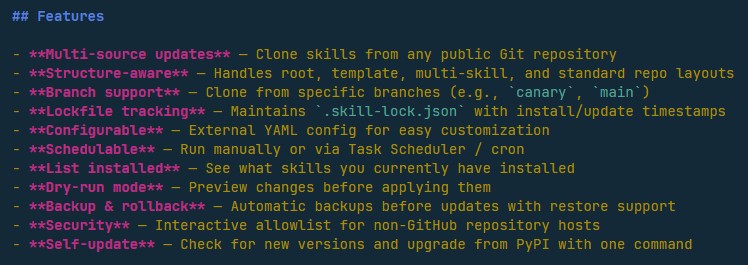
Designing Agent Skills Updater: Why Skill Management Matters for Small Teams
Why AI skill management matters for indie makers and small teams — the design thinking behind Agent Skills Updater and its place in Chronomation.
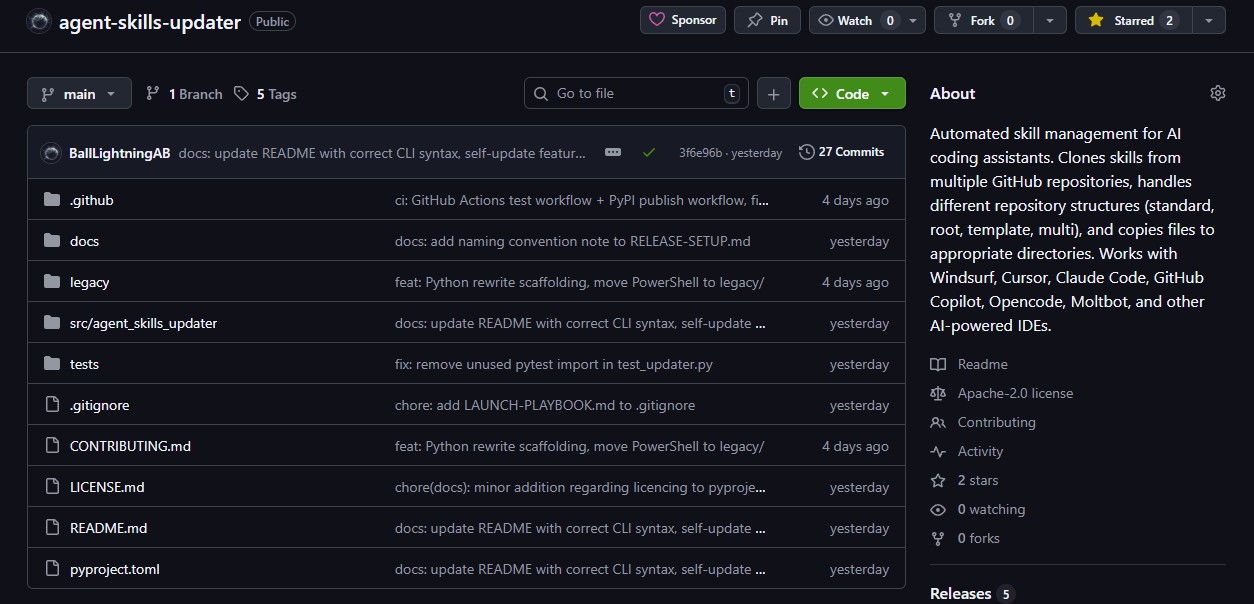
From PowerShell Script to PyPI: Building My First Open-Source Tool
How a PowerShell script for managing AI skills became a Python CLI on PyPI in two days — my first open-source release from Ball Lightning AB.
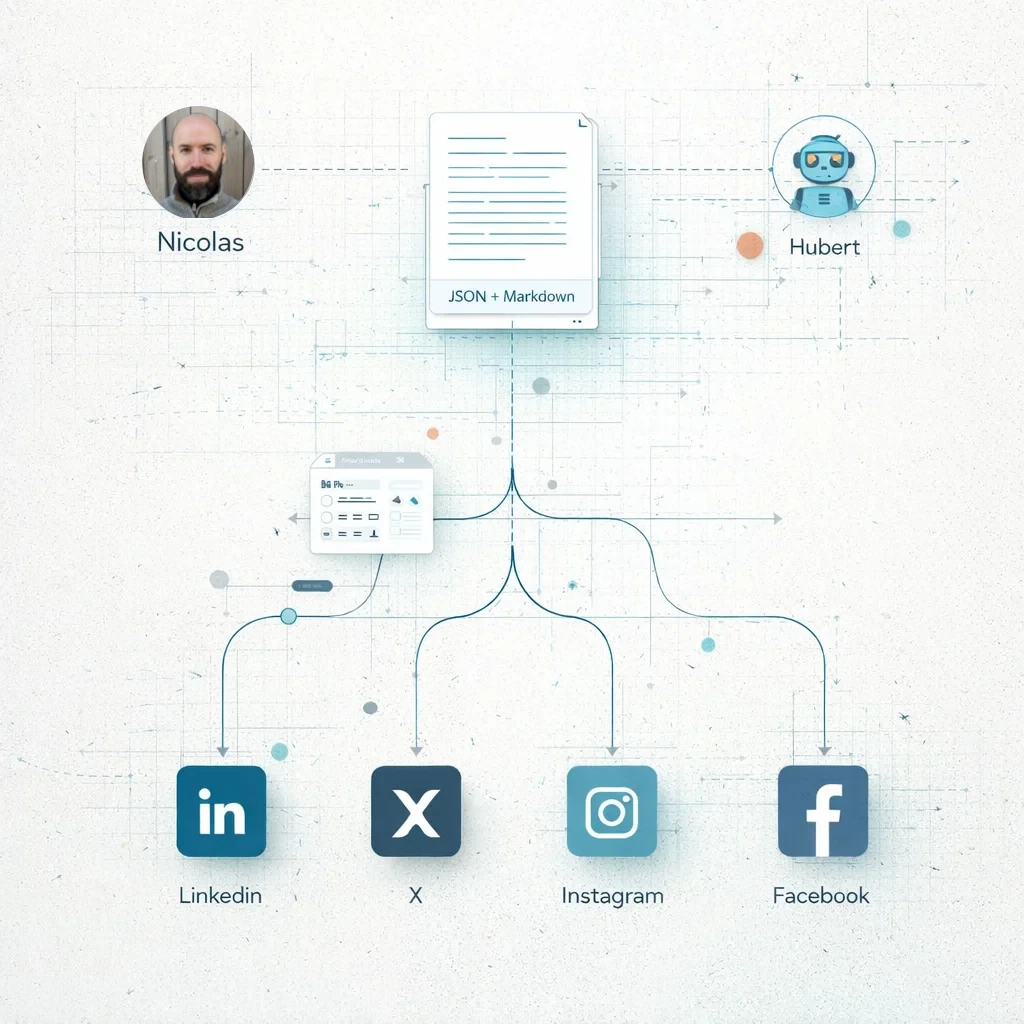
Building in Public: Three blog posts, four social posts and an article - Socials in early 2026 using AI as a co-writer and editor
Even with AI, doing content well is still hard. Here's my actual workflow for creating and distributing content across platforms, the formatting challenges I encountered, and why this matters for Chronomation.